
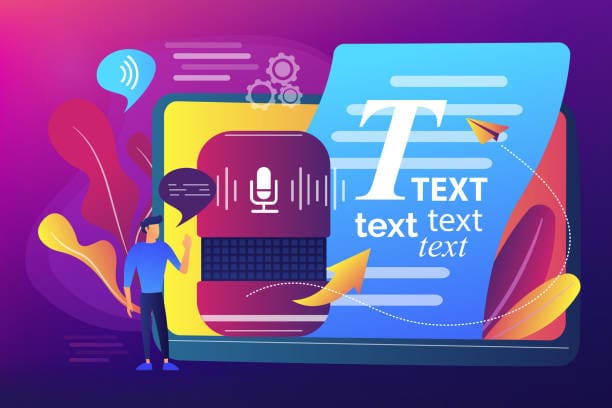
Early text-to-speech (TTS) software, such as the Microsoft Sam voice of the early 2000s, was clumsy, mispronounced words and sounded like a computer reading Shakespeare aloud. The shift from concatenative synthesis (stitching recorded clips together) to neural speech synthesis (where a model learns the characteristics of a voice) has transformed what is possible.
Converting text to speech with AI today is less like using a screen reader and more like directing a voice actor. A convincing, human-sounding result still does not happen at the touch of a button: it is a craft. This tutorial explains how to convert text to speech with modern AI tools, including the details that usually take trial and error to learn.
The Landscape: Selecting Your “Actor.
Before pasting your script anywhere, know that AI voice engines are not all the same. The market falls into two broad categories. The Workhorses (Amazon Polly, Google Cloud TTS, Azure) are fast, inexpensive and effective, but they are not always perfectly clear and they lack the breaths and small nuances that make a voice sound truly human.
They are best in accessibility features and reading long articles. The “Performers” (ElevenLabs, Play.ht, Descript, MurIare characterised by generative voice AI. They don’t just read; they act. They pause, vary their tone to suit the situation and even resort to using filler words such as ‘um’. Magic lies in this area, where content creators are in demand . A Performer is the preferred option if engagement is intended. A Workhorse is the best thing to be.
Step by Step: The Realism Audio Workflow.
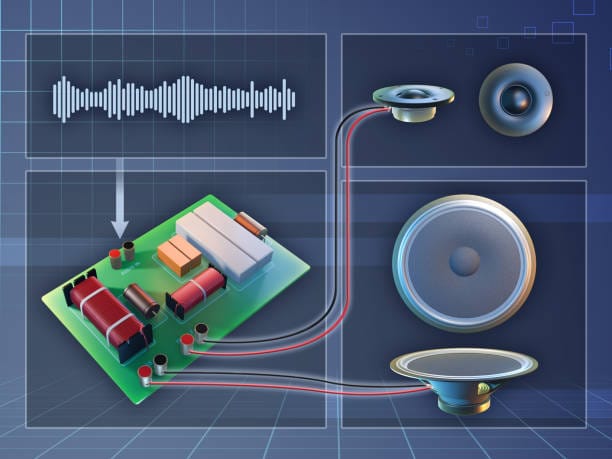
If your goal is a voiceover natural enough to keep an audience engaged, follow this workflow.
1. The Secret Sauce: Script Preparation.
Most people fail here. They copy and paste, then paste a post from the blog into the engine, and wonder why it comes out so quickly. They regard a comma as a moment of pause and a period as a complete stop. When composing a script for AI.
Phonetic Spelling: A brand name like SaaS may be read as “Sass”, “S-A-A-S” or “S-A-S”. Spell it the way you want it pronounced, for example “Sass” or “S.A.A.S.” Breathing Room: Use ellipses (…) or extra commas to slow the AI down. It may look grammatically odd, but it sounds natural to the ear.
2. Tuning the Settings
When you have text in the tool, you will generally see sliders for Stability, Clarity, and Style Exaggeration.
This is the most complicated element of the procedure.
- High Stability: is used to stabilise the voice. It will read all sentences using the same tone precisely. The downside? It is as monotonous as a news presenter.
- Low Stability: enables the AI to take risks. It may murmur, yell, or crack his voice.
A stability setting of around 30-40 is a good starting point, as it lets the AI vary its delivery. Setting stability at an extreme can produce inappropriate results, such as an odd, cheerful tone on a serious sentence. There is some randomness involved, but that variation is exactly what convinces the human ear that a real person is speaking.
3. The “Regeneration” Game
This is the experience of working with a generative AI audio: not always the best version the first time you press the generate button.
When a sentence sounds wrong, for example with a rising intonation at the end where there should not be one, regenerate just that sentence. It often takes three or four attempts to get the right emotional weight, much like asking an actor to “say it once more, but with more emphasis”.
4. Voice Cloning (The Advanced Level).
This is where things get both technically and ethically interesting. Many premium tools let you clone a voice. A common use is cloning your own voice to fix script errors in videos recorded weeks earlier without a full re-record. For a good clone, upload clean audio: no background music, no echo.
Around 60 seconds of calm speech followed by 60 seconds of more energetic speech usually gives the model a useful range. Remember that output quality depends entirely on input quality: even a faint fridge hum can be learned as part of the voice and reproduced in the output.
Ethical Implications and EEAT.
Any discussion of this technology has to address trust and ethics. A simple rule: never clone a voice that is not yours unless you have written consent. Deepfakes are a serious concern for businesses, and both Google and audiences value transparency under E-E-A-T (Experience, Expertise, Authoritativeness and Trustworthiness). If a full video uses an AI voice, say so in the description.
It produces an Uncanny Valley effect (audio): when a listener discovers it was AI, but you tried to hide it, they will immediately lose trust in you… Besides, the tools are not aspectless. They can hallucinate sounds – skipping words or creating sounds. At one point, one of the voices generated mid-paragraph shifted to a different accent. You must listen to the entire file before publishing; never auto-publish AI audio.
Practical Use Cases
So, what is this actually saving time on?
- L&D (Learning and Development): Corporate training videos once required re-hiring a voice actor whenever a compliance policy changed. Now you can update the script and regenerate the audio.
- Anonymous YouTube Channels: AI voices open content creation to people who are camera-shy or self-conscious about their accent (although your real voice can be an asset).
- Drafting: Generate an AI read of a podcast ad or script to hear how it flows, then edit the text for rhythm before recording it yourself.
The Verdict
Text-to-speech translation is no longer a gimmick but rather an element of creativity. It allows a scale which would be hard to do manually. However, it must have a human director.
The vocal cords provide the voice of the computer, the rhythm to give you, and the heart of the message. The best AI audio is the one in which the consumer of the information never knows how the technology works. And that is what we all are aiming to do.
Frequently Asked Questions (FAQs).
Q: Will I be able tocommercialisee videos that utilise AI text-to-speech voices?
A: Yes, as a rule. With most paid subscriptions (such as ElevenLabs, Murf, or Play.ht), you have a commercial license to the audio you create. Free plans, however, are usually attribution-based or limited to commercial use. Always read the Terms of Service of the tool that you are using.
How can I make the AI voice less robotic?
A: Focus on punctuation. Commas, ellipses and dashes should be used to provide natural pauses. In additio testinggt the software’s stability anthe slide’s variability usually leadsds tgreaterre pitch variability and more exuberant fluctuations.
Question: Can the voice of a celebrity be legally cloned?
A: This is a grey area, which is quickly narrowing down in the legal system. It is not a good idea ethically and professionally. Advertising with a celebrity’s voice without their consent may result in lawsuits under the so-called Right of Publicity. Either use stock AI voices or your own voice.
Q: Which text-to-speech AI tool can be considered the most appropriate?
A: It depends on your goal. To pure realism and emotion, ElevenLabs is an incumbent market leader. Descript is better suited for combining video editing with text. At the enterprise level of app integration, the norm is Amazon Polly or Azure TTS.
Q: Is it possible that AI can deal with several languages?
A: Oh, yes, the contemporary neural networks are multilingual. Some are even capable of cloning a voice recorded in English and pronouncing it in French or Spanish, preserving the original speaker’s tonal qualities.
Related Reading
- Best Free AI Voice Generator
- How to Remove Noise From Audio Using AI
- How to Create YouTube Scripts Using AI